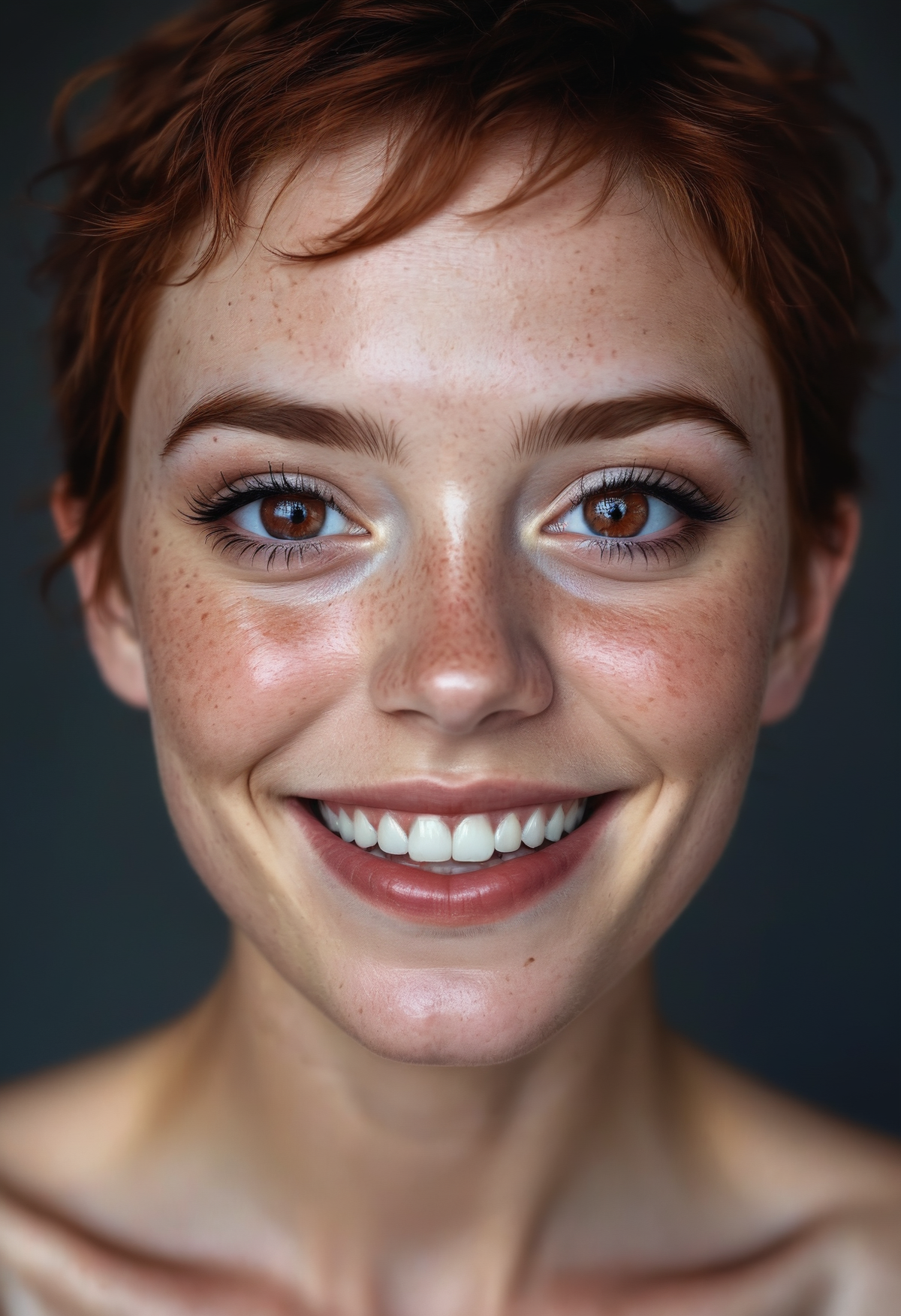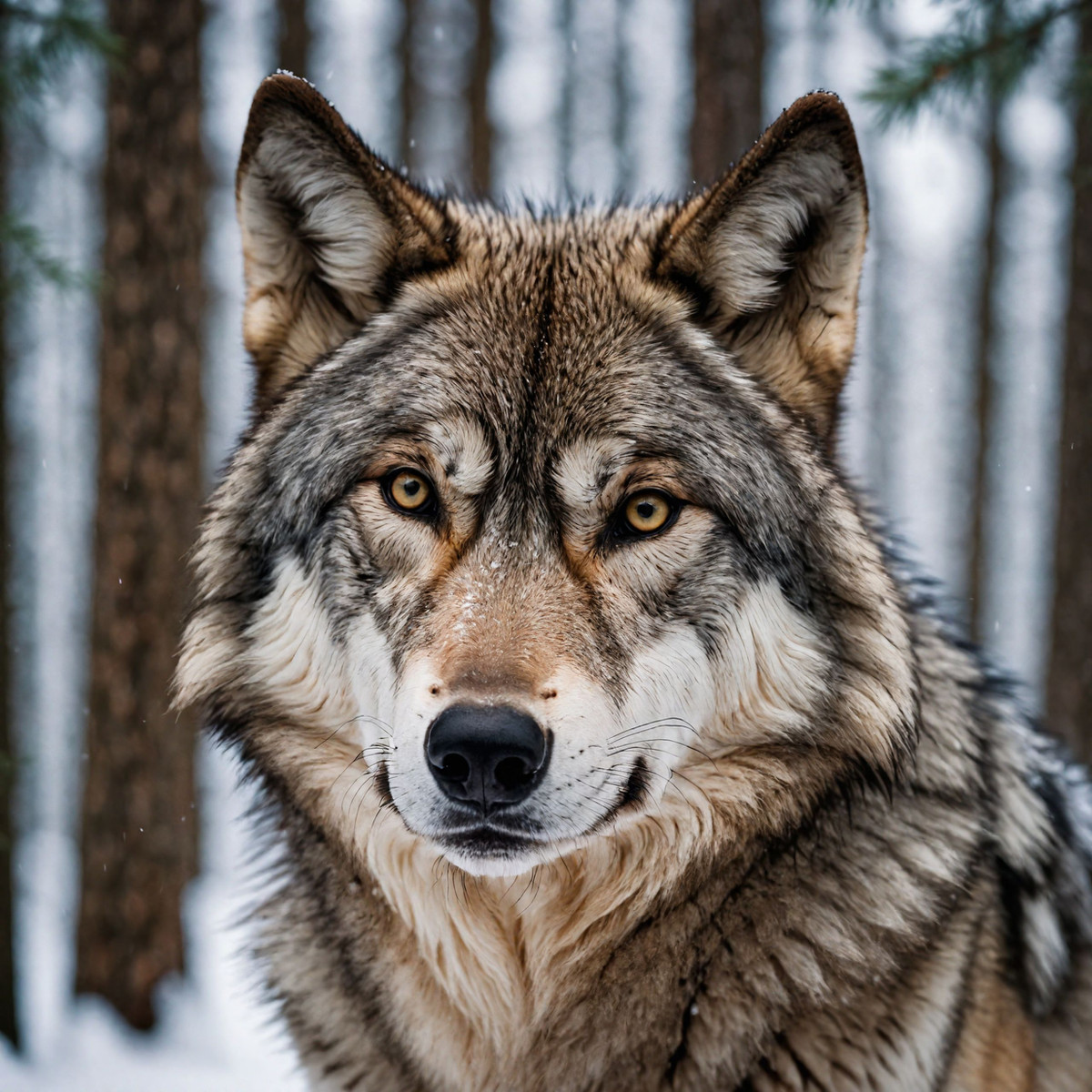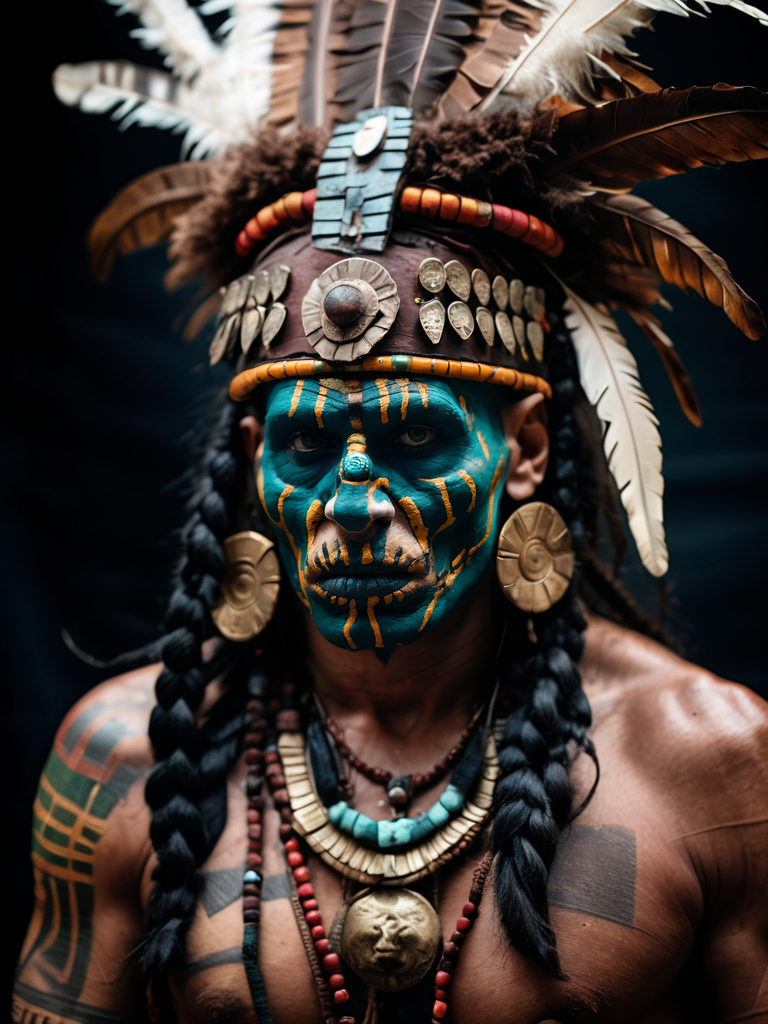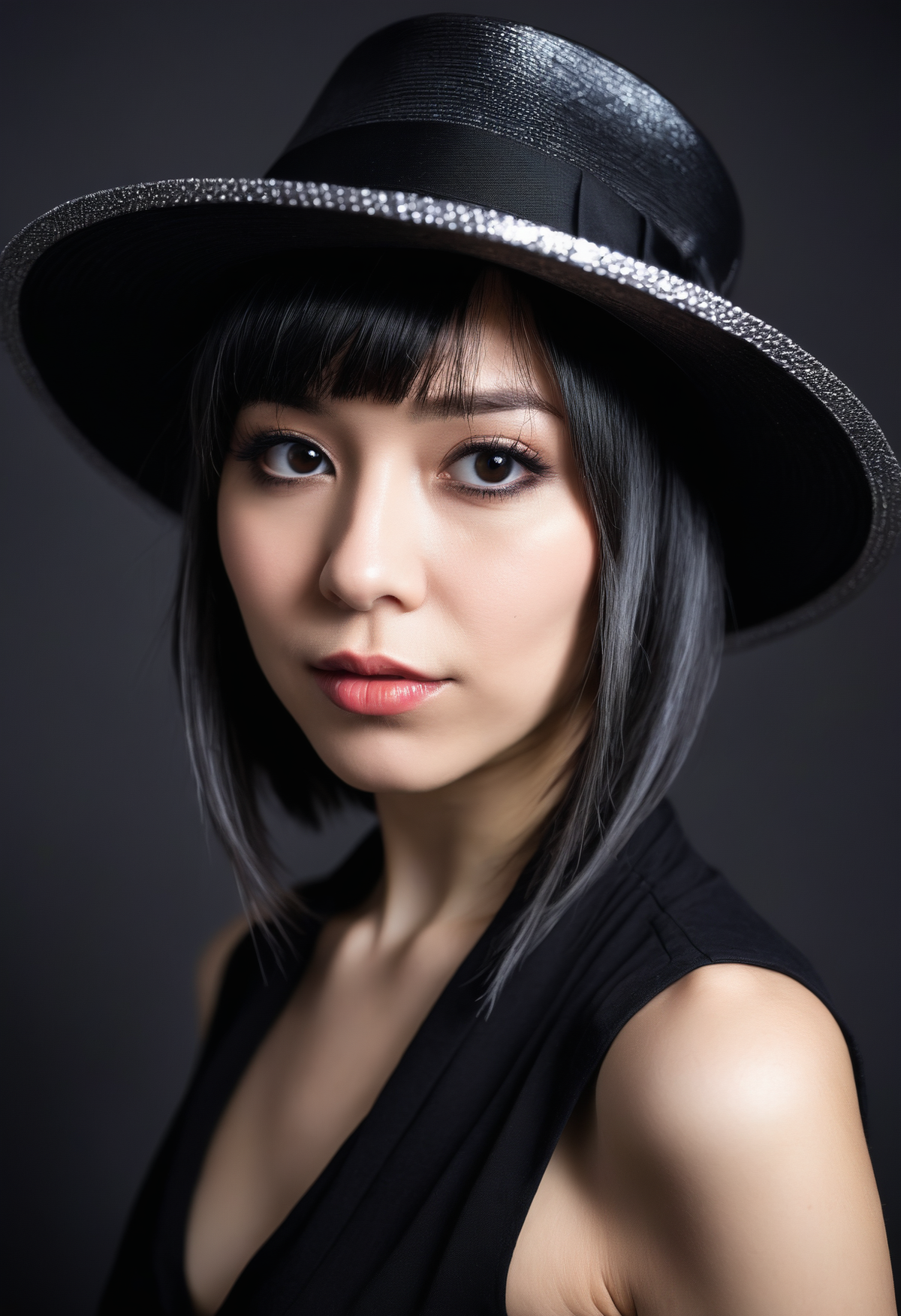
Hey Guys!
Since we began researching about Stable Diffusion in 2022, many people have been asking us:
Is there an EASYtutorial on how to install Stable Diffusion?
So here it is! 🧨
We made a 3-step Tutorial for beginers to install and start using Stable Diffusion.
Click here for the 3-step tutorial
You can also read about:
- Exploring Stable Diffusion with Fooocus
- Advantages of Stable Diffusion (Fooocus)
- Prerequisites for Using Stable Diffusion (Fooocus)
- Quick Tips for Fooocus
- Additional Resources for Stable Diffusion
What are Stable Diffusion and Fooocus?
-
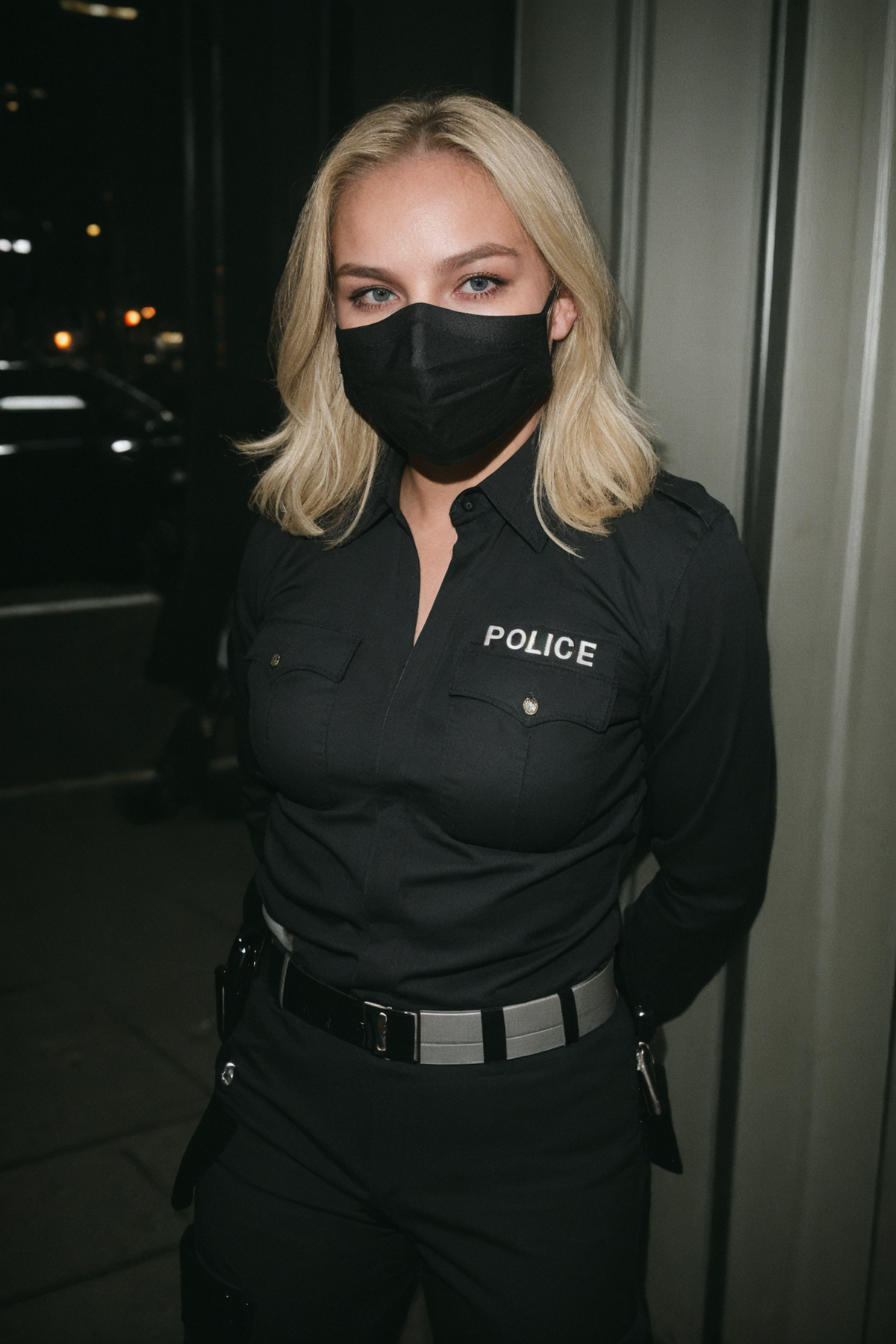
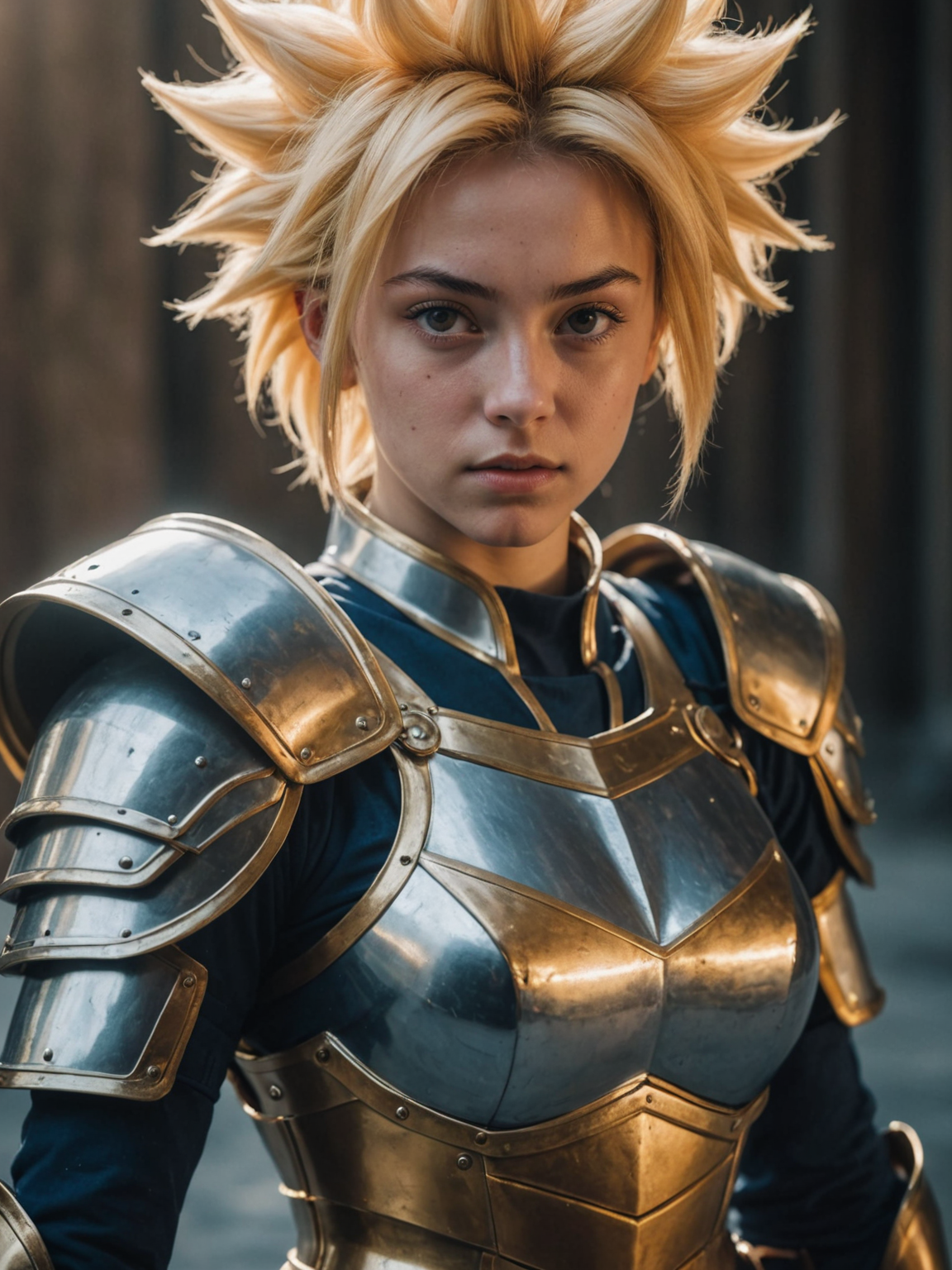
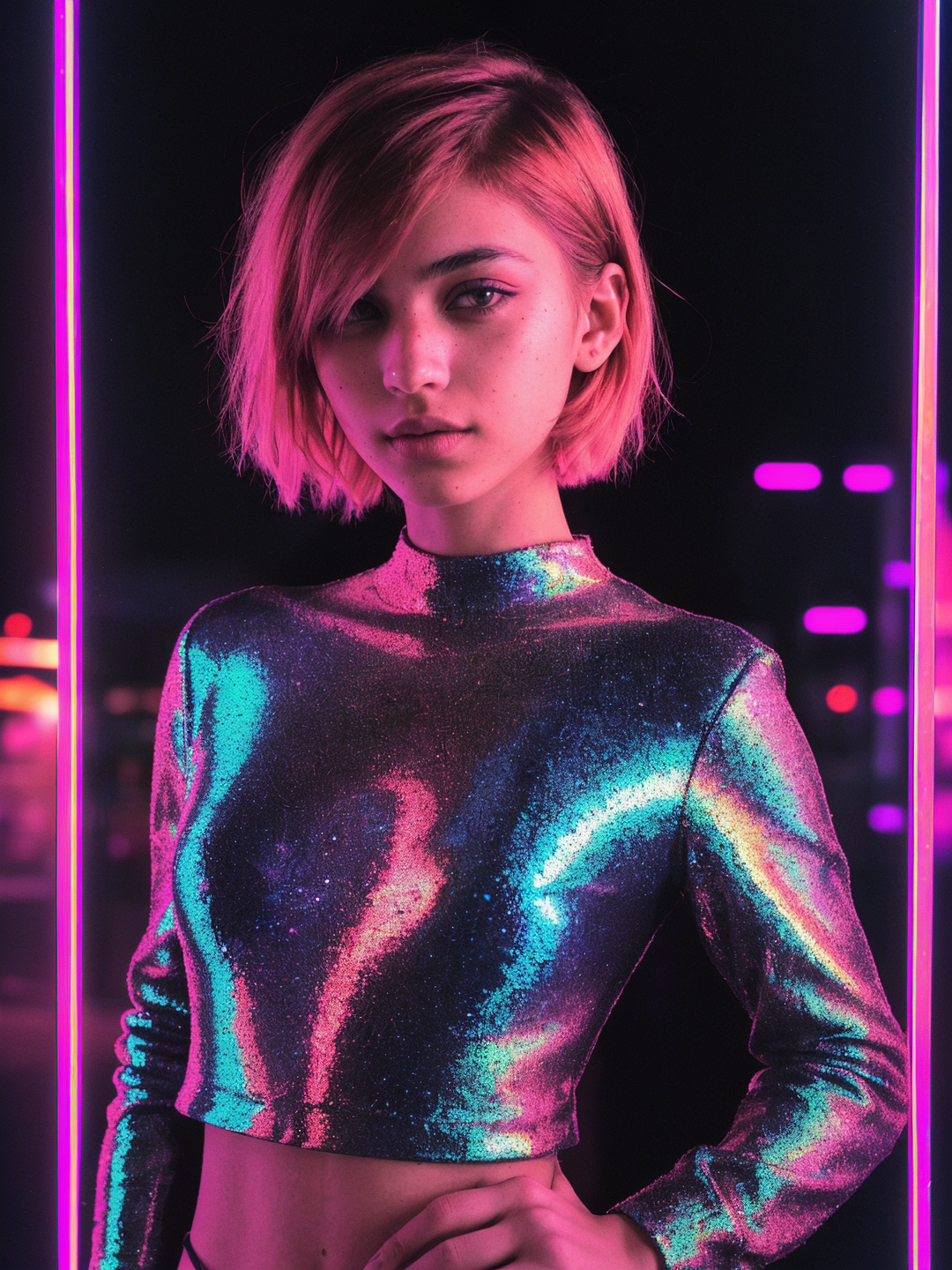
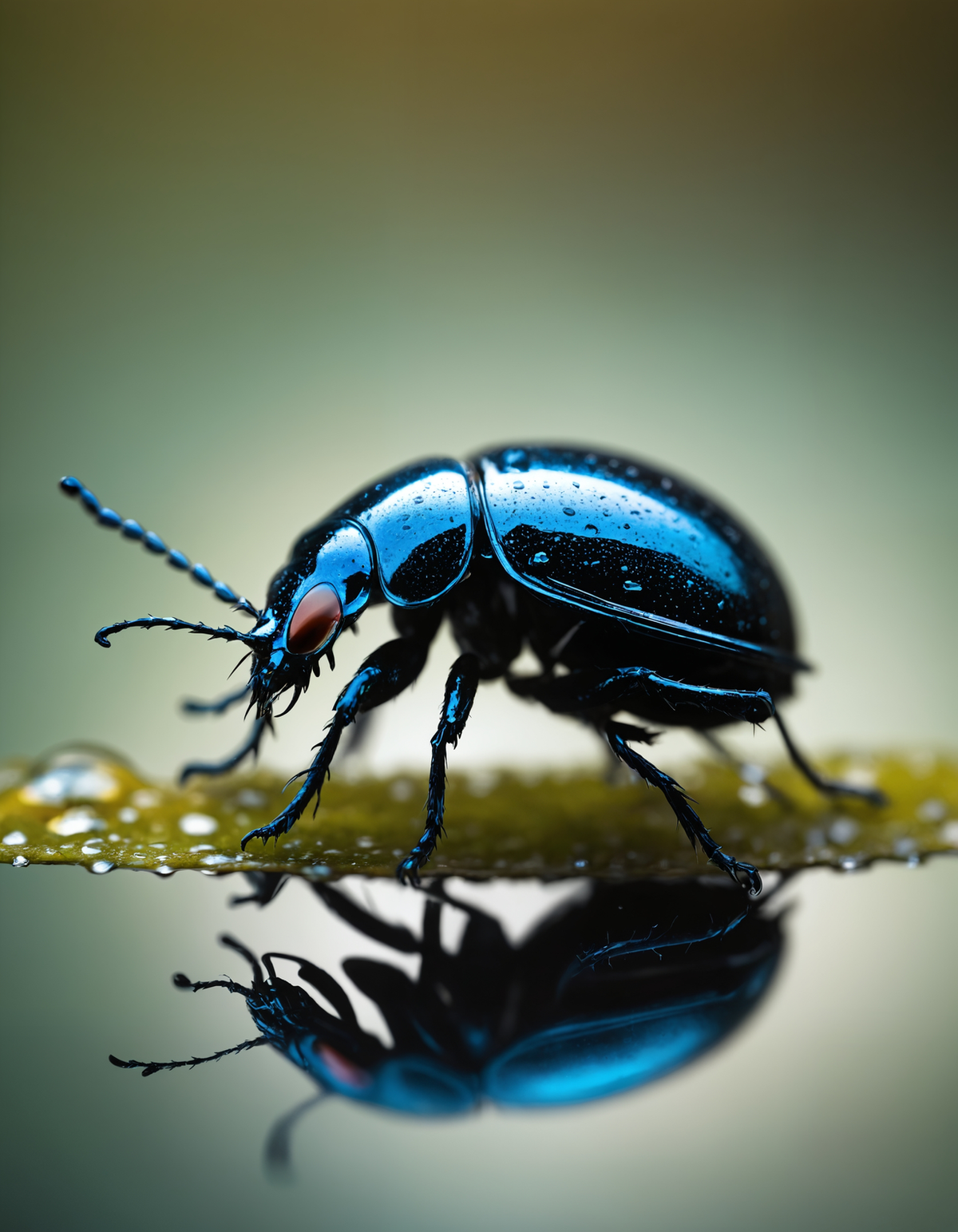
Stable Diffusion is an open-sourceimage generator like Dalle and Midjourney, allowing users to customize models and create unique photos, in addition to containing various features not available in other image generators.
-
Unlike traditional image generators, Stable Diffusion offers a range of advanced features, allowing users to craft visually stunning and innovative compositions.
-
Fooocus: One of several interfacesof Stable Diffusion
-
With Stable Diffusion, users can explore different artistic styles, experiment with diverse prompts, and generate high-quality images.
-
Its versatilityand customizable, a powerful tool for artists, designers, and creators seeking to push the boundaries of visual storytelling.
Advantages of Stable Diffusion (Fooocus)
There are several advantages to using Stable Diffusion, especially the Fooocus version which features a simple and user-friendly interface.
The main advantages are:
It’s free; you don’t pay a penny to use the tool. 🤑
You can train models with your photos and create styles that will be uniquely yours.🤖
Allows the creation of NSFWcontent without censorship.😏
Prerequisites for Using Stable Diffusion (Fooocus)
Ok, so before installing Stable Diffusion, two things you need to know:
- You’ll need to have a High End PCto run Stable Diffusion Locally!
- Alternatively, Google Colabcan be used if a powerful PC is not available.
Minimum System Requirements for Fooocus:
OS: Windows/Linux/Mac
Nvidia GPUs:
- RTX 40XX: 4GB GPU Memory, fastest option.
- RTX 30XX: 4GB GPU Memory, faster than 20XX.
- RTX 20XX: 4GB GPU Memory, faster than 10XX.
- GTX 10XX: 8GB GPU Memory, may be marginally faster than using CPU.
- GTX 9XX: 8GB GPU Memory, performance varies with CPU.
AMD GPUs:
- 8GB GPU Memory, performance depends on DirectML and ROCm support, generally slower than Nvidia’s RTX 30XX series.
Apple Silicon (M1/M2):
- Shared GPU and system memory, significantly slower than the Nvidia RTX 30XX series.
- Memory: 8GB System Memory is required for all GPUs.
- Swap: System swap required.
3-Steps TUTORIAL: Downloading and Installing Stable Diffusion on Windows
Before starting, read the last topic to ensure you have a powerful PC to run Stable Diffusion.
And let’s go!
Step 1️⃣: Download Fooocus
**Direct Download:**Click here to download the file directly from GitHub.
Or
GitHub Page: Click here to visit the Fooocus GitHub page.
Scroll down and click the “Download” button.

Once you have downloaded the file, proceed to Step 2.
Step 2️⃣: Unzipping and Running Fooocus
After downloading the file, double-click “run.bat” to launch Fooocus.
Step 3️⃣: First Run and Image Generation
The first time you run Fooocus, it will automatically download additional files. Please be patient and wait for the download to complete.
Just wait, and a new browser tab will open automatically.

You are now ready to use Stable Diffusion in the friendliest interface!
Write what you want in the prompt field and click on Generate!
🧨 Here are some additional tips:
- After installation, if you want to rerun it you need to click the run.bat file again.
- You can create a shortcut to “run.bat” on your desktop or taskbar for quick access.
- After the first time you run Fooocus, a config file will be generated at Fooocus\config.txt. This file can be edited to change the model path or default parameters.
- For more information about the tool, please visit the Official GitHub: Fooocus
Bonus Tip 1 - Models And Loras For Stable Diffusion:
Pre-trained Models for Different Artistic Styles and Concepts!
To use them, downloadthe desired checkpoint or LoRA and add it to its folder at Fooocus/models/.
👉 Do the same for Google Colab.
Here is a list of the most downloaded checkpoints from Civit AI:
There are also specificcheckpoints and guidelines for adult content.
Bonus Tip 2 - Avoid Computer Viruses:
Prefer .safetensors over .ckpt files for safety and versatility with Stable Diffusion models.
🧨 Additional resources:
- Stable Diffusion Community on Reddit: https://www.reddit.com/r/StableDiffusion/
- Stable Diffusion Discord Server: https://discord.gg/stablediffusion
- Prompt Guide for Stable Diffusion: https://www.reddit.com/r/StableDiffusion/wiki/index
- Official Documentation: https://huggingface.co/docs/diffusers/v0.13.0/en/stable_diffusion
For more information on AI Tools, Subscribe for FREE to PandorasBox.AI.
Cheers! 🥂