Hey guys!
If you’re looking to turn textinto videos, InVideo is the perfect tool for you! Let me guide you through the step-by-step process of easily creating videos.
👉 Click****HERE to go straight to the tutorial.
What You’ll Learn:
- What is InVideo?
- How to Use InVideo
- Pro Tips
- Additional Resources
What is InVideo?
InVideo is an AI-powered tool that allows you to create videos from simple text prompts.
It’s designed for creators of all levels, making video production accessible without requiring technical knowledge.
With InVideo, you can generate professional-quality videos for marketing, education, and more!
How to Use InVideo for AI Video Creation?



-
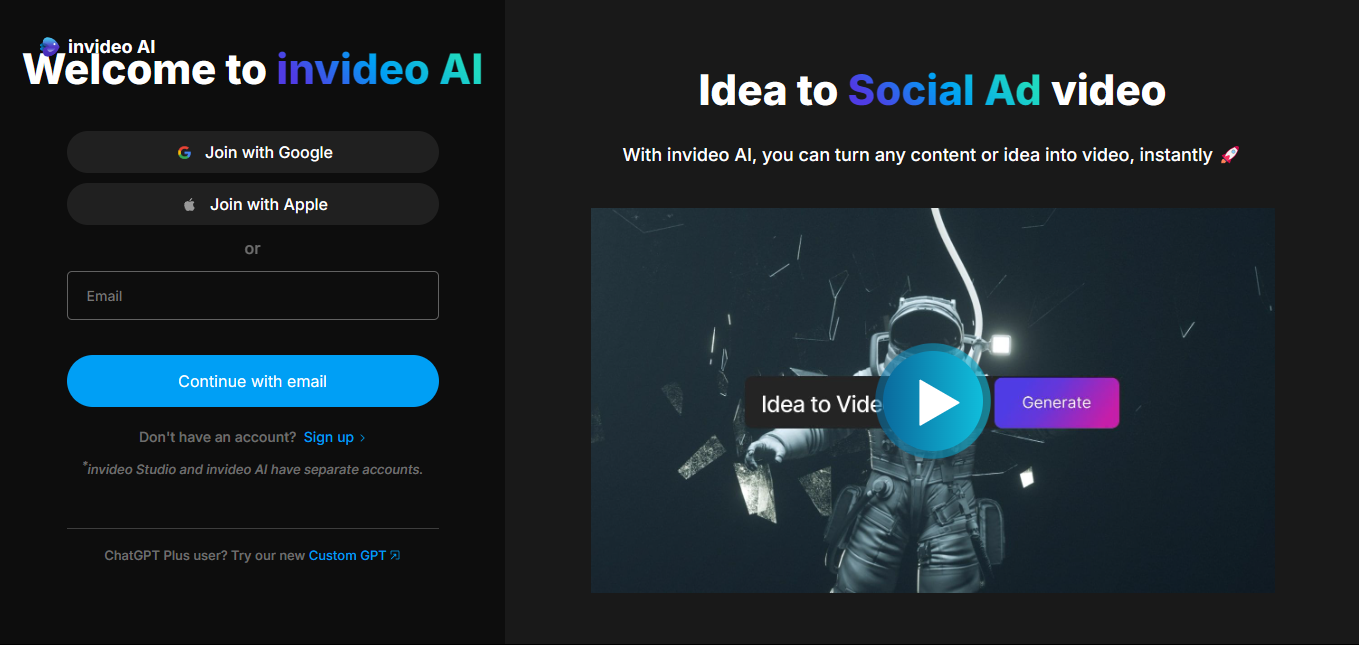
First, visit the InVideo website and click on “Generate video now”.
-
This will take you to the login page, where you can log in using your Google, Apple, or email account.
-
On the next screen, you’ll be prompted to enter a topic or prompt.
For this tutorial, I’m using the same theme as the previous one: “MCP and Vertical AI Agents”.
Be as descriptive as possible to guide the AI in generating your video.
- After entering your prompt, you’ll be asked to select the duration of your video.
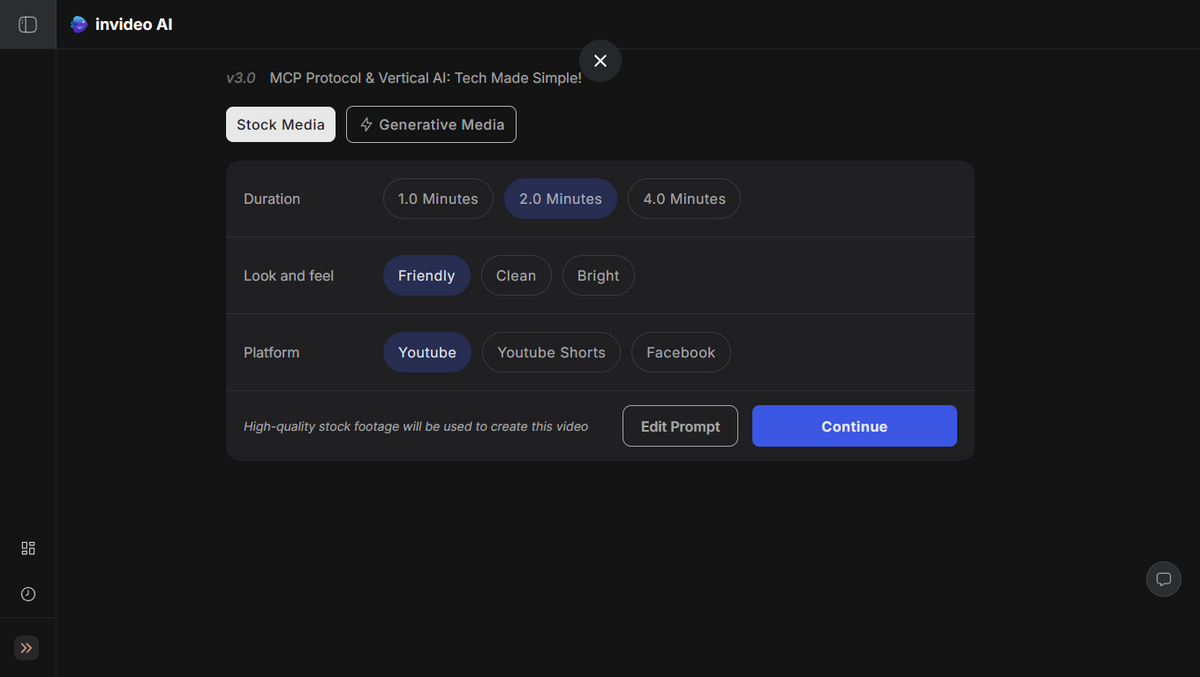
- Choose from options like 1-minute, 2-minutes, or 4-minutes depending on how much content you have.
- Then, choose your audience (e.g., businesses, tech enthusiasts) and the platform (e.g., YouTube, Instagram) where you plan to post the video.

Once you’ve made your selections, click Continue to proceed.
- Your video will now begin to be generated. During this step, the AI will analyze your content and start processing the video. This may take a few minutes.
Once your video is generated, you’ll have the option to edit it.
You can modify any part of the video, such as adjusting the timing, adding or removing visuals, or changing the voiceover.
If you prefer, you can simply download the video as it is without making any changes.
After making your edits or if you’re happy with the result, click on the “Download” button. You will be asked to choose the resolution and format for your video (e.g., 720p).
Once you’ve made your selection, click Download and your video will be ready for sharing!
🚀 Pro Tips for Better Results:
- Play around with your prompts: The more specific you are, the better the video results will be.
- Use AI-generated media: If you want unique and customizable visuals, try using AI-generated media instead of stock images.
- Adjust settings for quality: Experiment with different resolutions and aspect ratios to fit the platform you’re using.
Additional Resources:
For more tutorials and insights on AI tools, subscribe for free to our newsletter!